
QVeris CLI:让终端成为你的万能 API 入口

在 AI 智能体席卷开发者工具链的今天,一个现实问题始终没被很好地解决:当你需要快速调用一个 API,却不想写代码、不想查文档、不想注册第三方平台——怎么办?
现在,一行命令就够了。
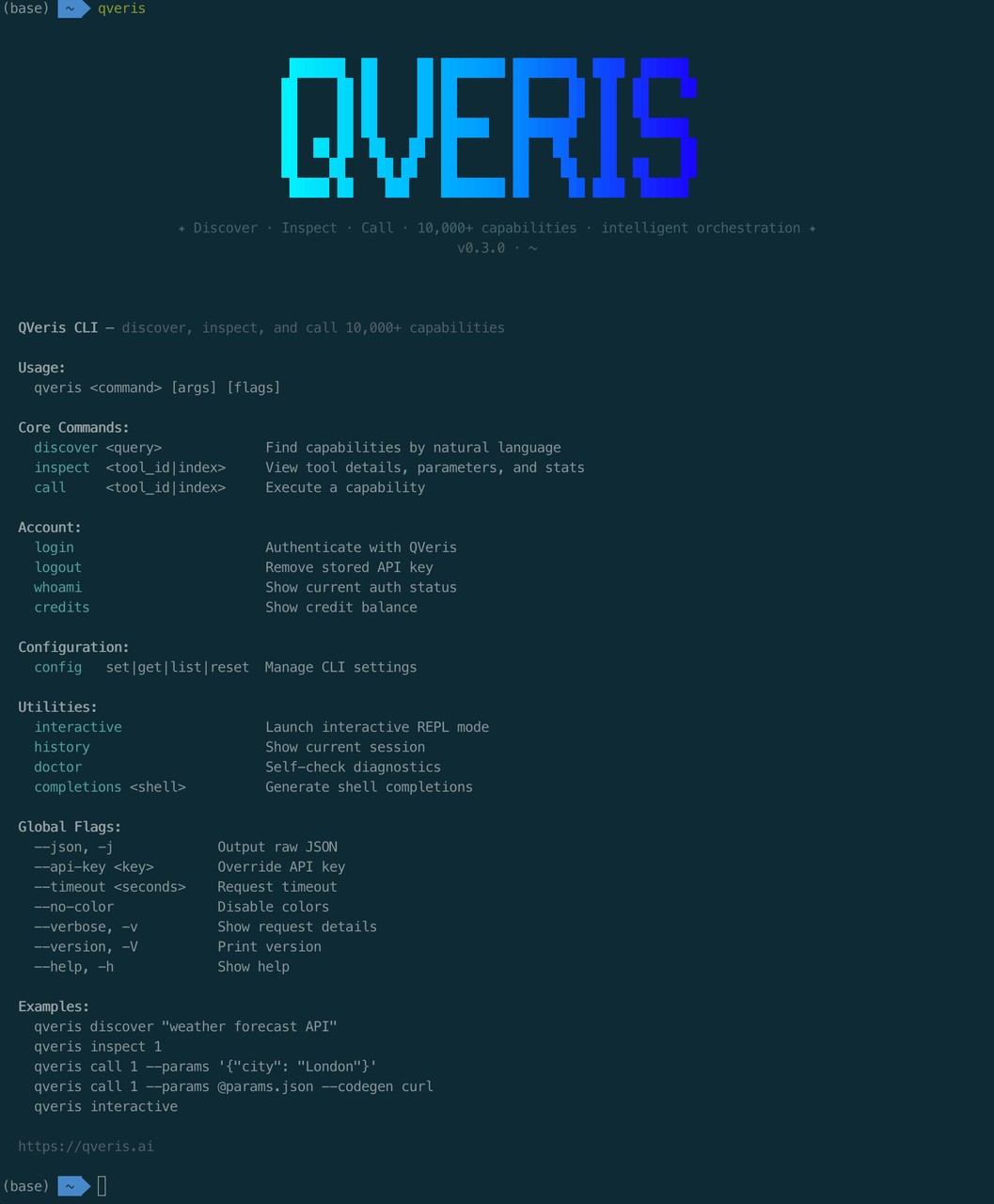
QVeris CLI 是我们为开发者和智能体打造的命令行工具,让你在终端中用自然语言发现、检查和调用 10,000+ API 能力。无需翻文档、无需写适配代码,30 秒从零到可用。
01.
30 秒安装,开箱即用
一行 curl,全局可用:
curl -fsSL https://qveris.ai/cli/install | bash
或者用 npm:
npm install -g @qverisai/cli
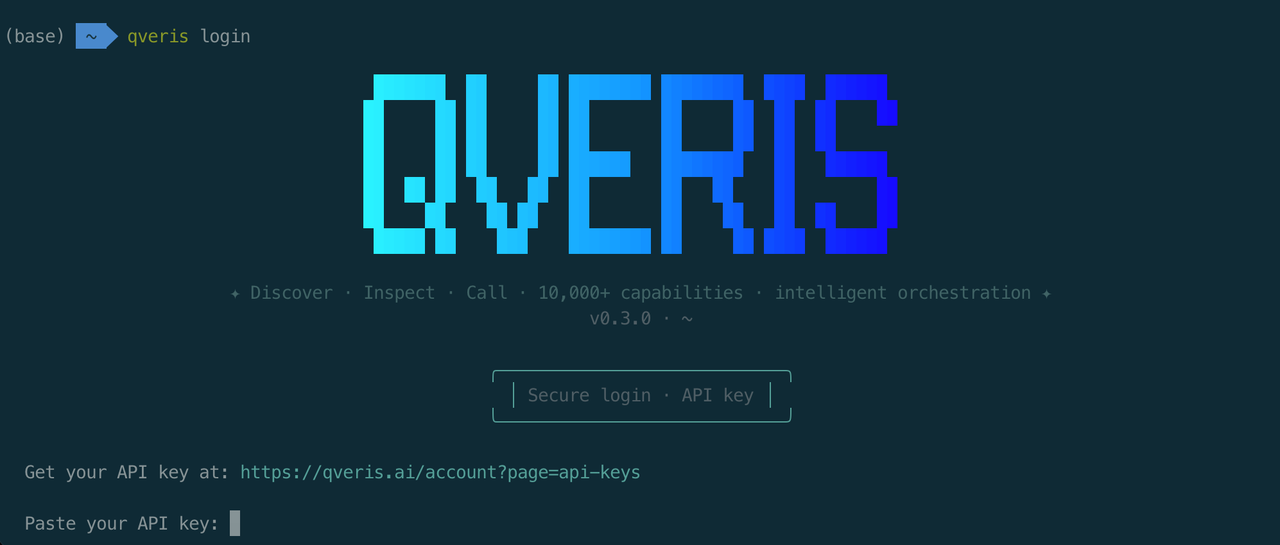
安装完成后,登录只需一步:
qveris login

## 自动打开浏览器完成认证,API Key 安全存储到本地
🎁 新用户福利:注册即送 1,000 credits,搜索完全免费,无需绑卡。
02.
核心工作流:Discover → Inspect → Call
QVeris CLI 的设计哲学很简单——像搜索引擎一样找 API,像终端命令一样用 API。整个流程只有三步:
第一步:用自然语言搜索
不需要记任何 API 名称,直接描述你的需求:
qveris discover "实时股票行情"
CLI 会从 10,000+ 工具中语义匹配,返回最佳结果:
Found 6 tools:

  1. finance.stock_quote       实时股票报价       ⚡ 320ms  99.2%
  2. market.live_price         实时市场价格       ⚡ 450ms  98.7%
  3. trading.ticker_data       行情数据与历史     ⚡ 280ms  99.5%
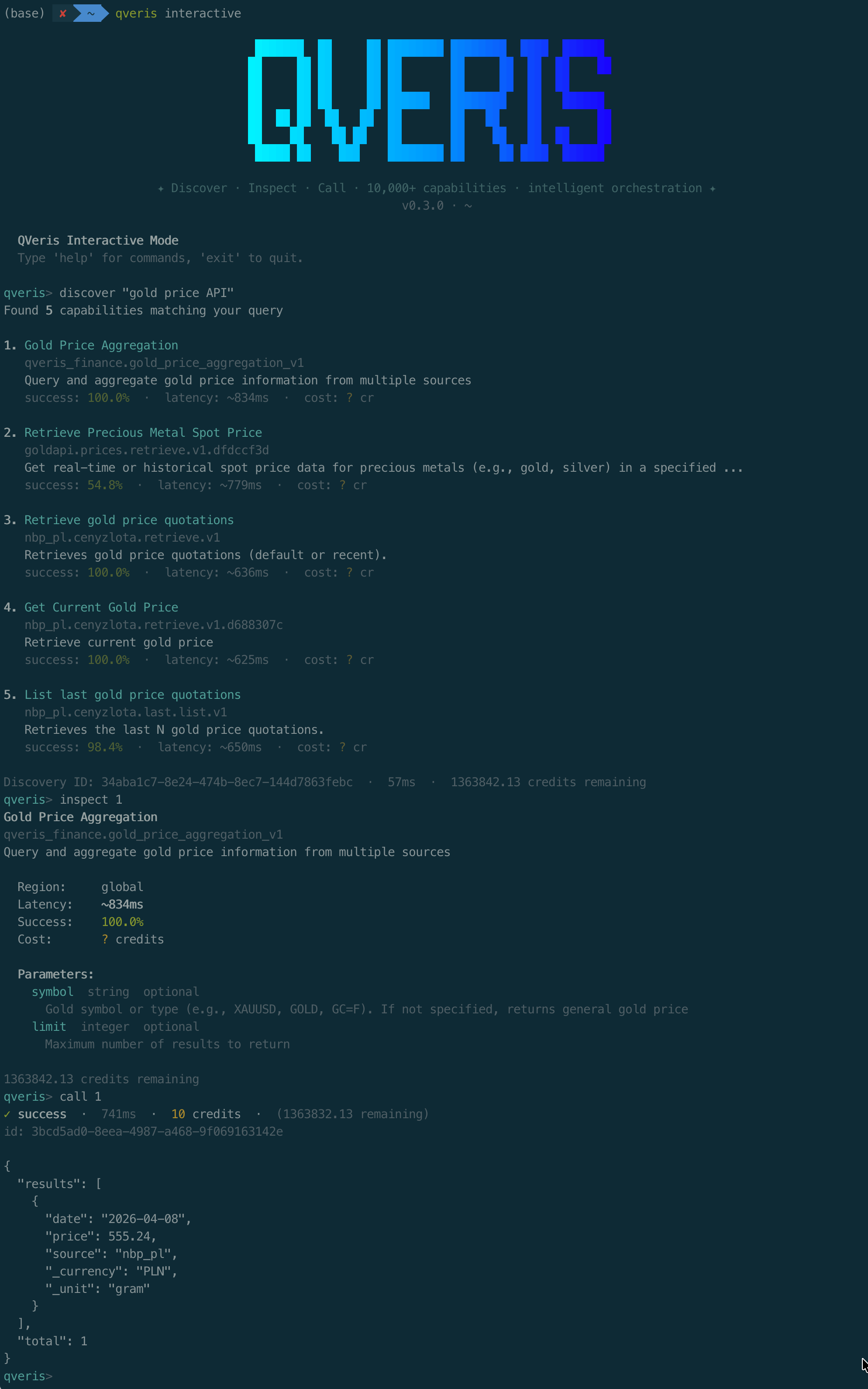
每个结果都带延迟和成功率评分,一目了然。搜索完全免费,不消耗任何 credits。
第二步:查看工具详情
用索引号快速引用,不用复制粘贴长长的 tool_id:
qveris inspect 1
finance.stock_quote

Real-time stock price quotes from major exchanges

Provider: MarketData Pro  ·  Avg: 320ms  ·  Success: 99.2%

Parameters:

  symbol    string (required)   Stock ticker symbol

  exchange  string (optional)   Exchange code
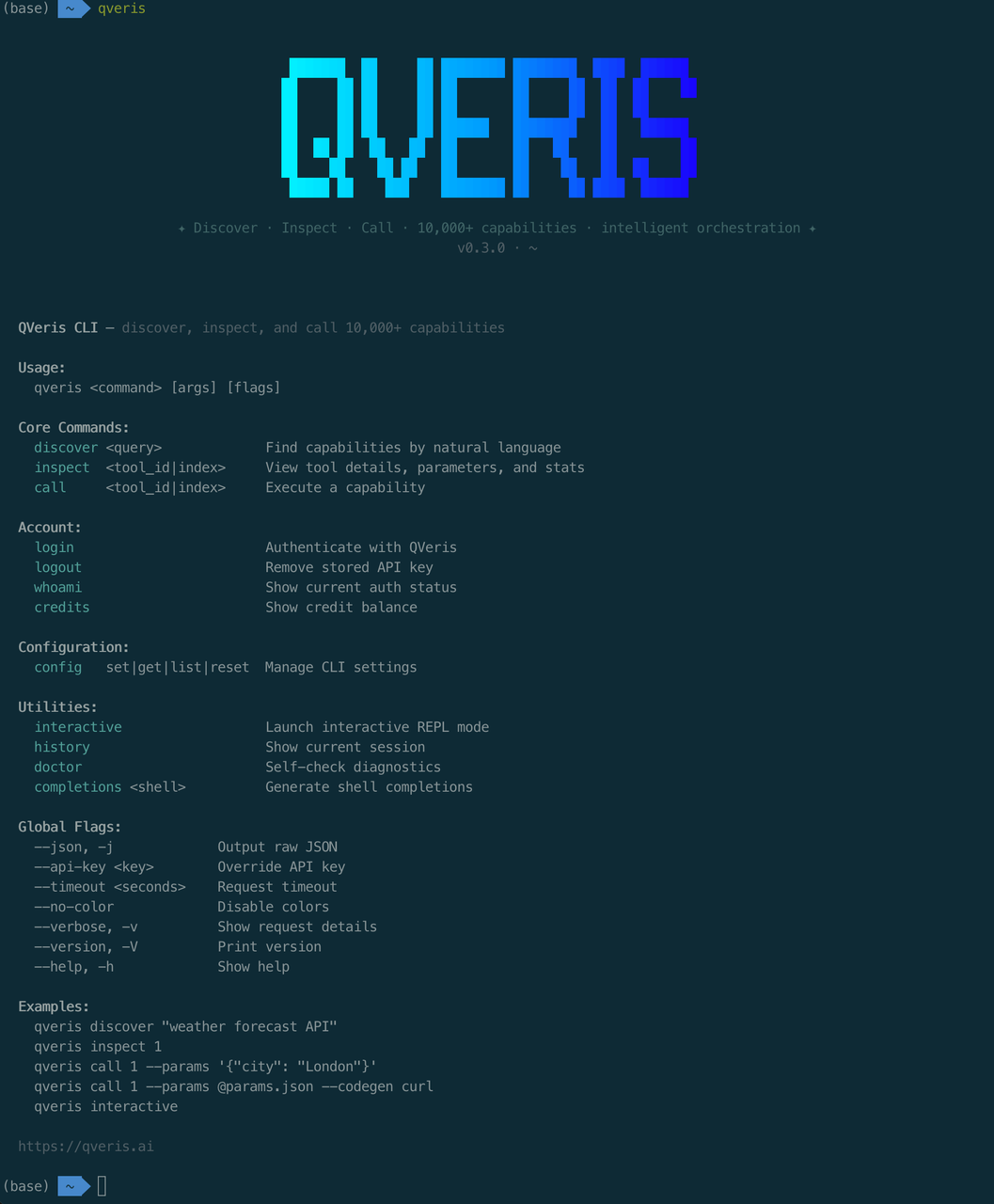
参数、说明、性能指标一览无余。
第三步:调用并获取结果
qveris call 1 --params '{"symbol": "AAPL"}'
{ "symbol": "AAPL", "price": 198.52, "change": +2.31, "volume": 45230100 }
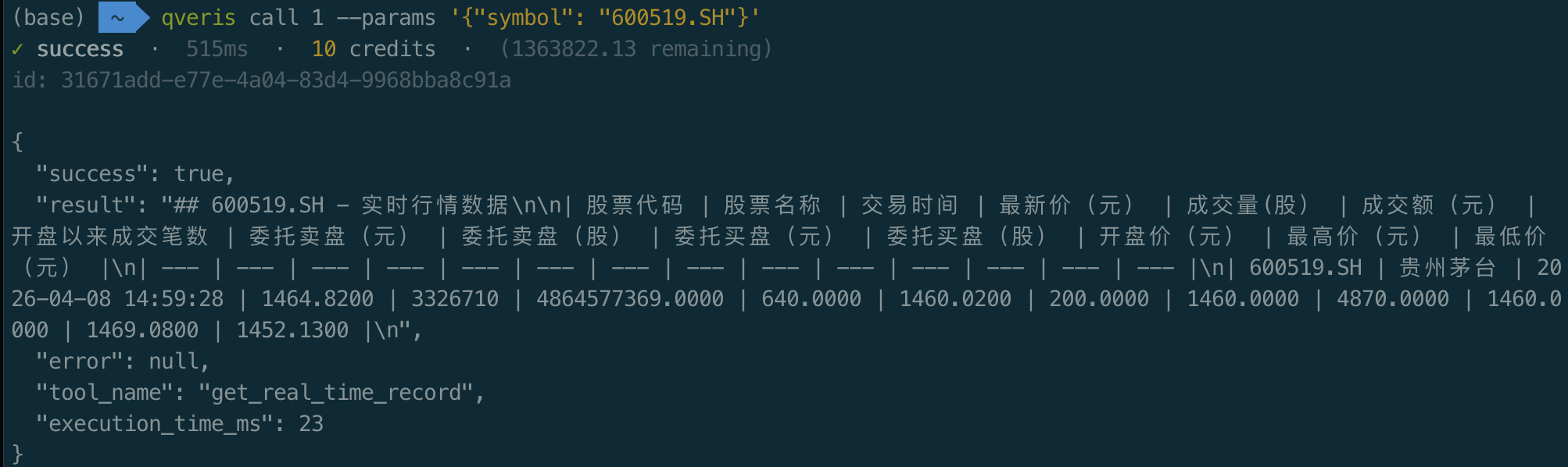
三条命令,从"我需要一个股票 API"到拿到实时数据,全程不超过 30 秒。
03.
交互式 REPL:像对话一样探索 API
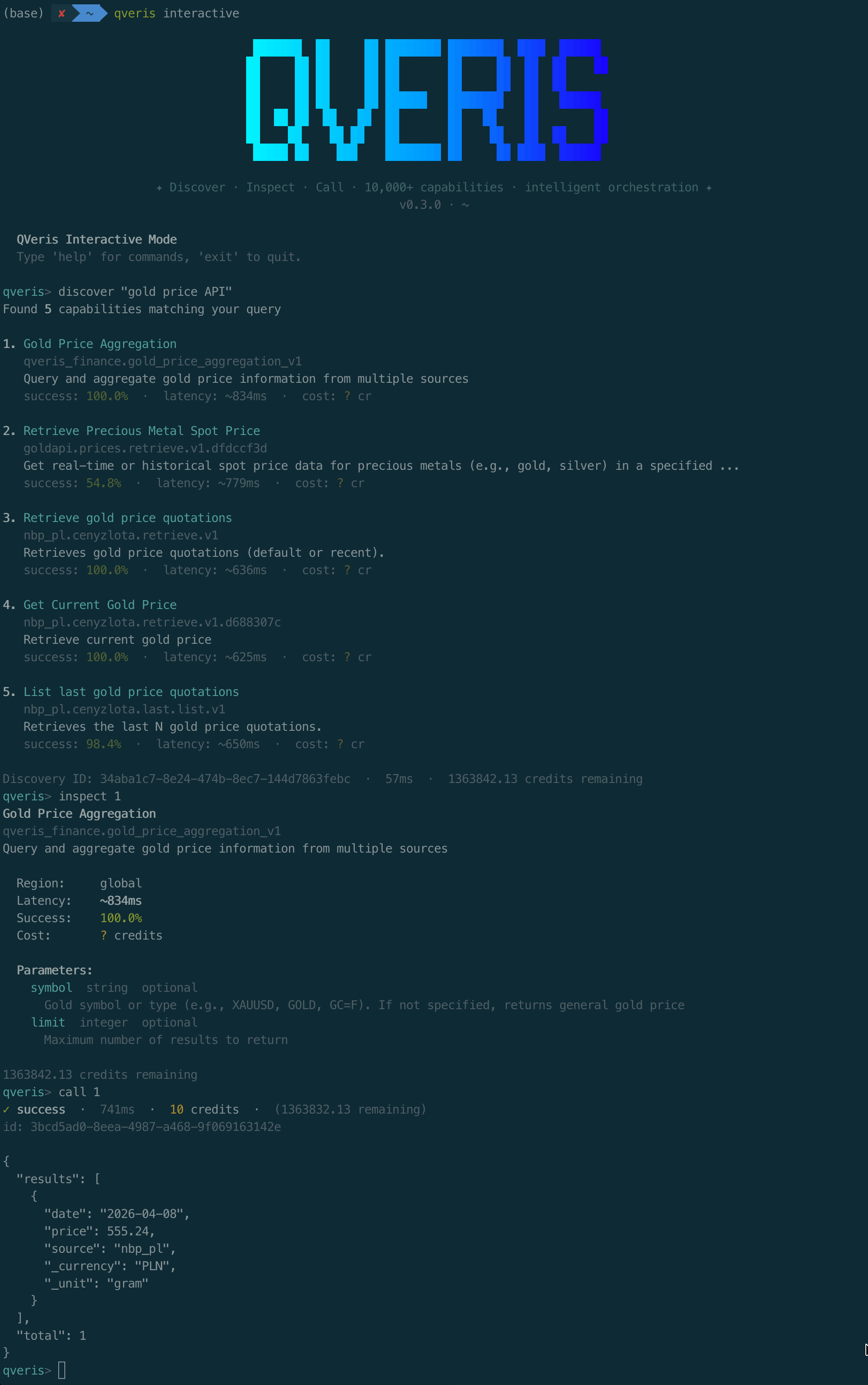
如果你想边探索边试用,qveris interactive 启动交互式环境:
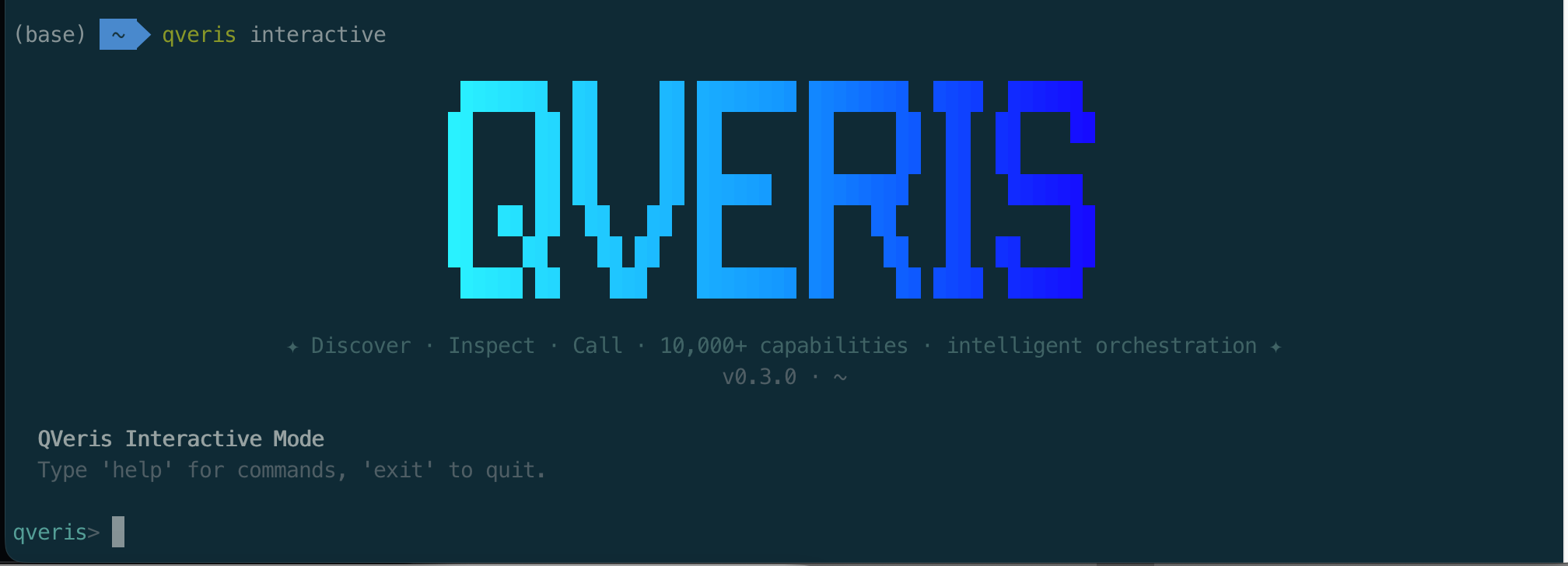
$ qveris interactive

QVeris REPL v1.0 — type a query to discover tools, help for commands

qveris> weather forecast API

Found 4 tools:

  1. weather.forecast   7-day weather forecast   ⚡ 380ms
  2. weather.current    Current conditions        ⚡ 220ms

qveris> inspect 1

  weather.forecast

  Parameters: location (required), days (optional, default: 7)

qveris> call 1 {"location": "Shanghai"}

  { "location": "Shanghai", "forecast": [...] }

qveris> codegen curl

## Generated curl command:

curl -X POST https://qveris.ai/api/v1/execute \

  -H "Authorization: Bearer $QVERIS_API_KEY" \

  -d '{"tool_id":"weather.forecast","params":{"location":"Shanghai"}}'
💡 亮点:
codegen命令可以自动生成 curl / Python / JavaScript 调用代码,直接复制到你的项目中使用。
04.
智能体最高效的工具调用方式
QVeris CLI 是智能体使用 QVeris 最节省 token 的方式。
相比 MCP Server 要把完整 tool schema 塞进上下文(动辄几千 token),CLI 是:一条命令进、JSON 结果出,没有协议层冗余。
# 结构化输出,智能体直接解析(先搜能力,再按 tool_id / 序号接着用)
qveris discover "aggregate news or financial indicators into structured data" --json --limit 3
# stdin 管道,适配自动化(上游脚本拼好参数,下游直接 call)
echo '{"tickers":["AAPL","MSFT","GOOGL"],"interval":"1d"}' | \

  qveris call 1 --params - --json
(1 表示当前会话里最近一次 discover 结果中的序号;也可换成真实的 tool_id。)
# 干跑验证,不消耗 credits(确认参数与路由再真跑)
qveris call 1 --params '{"tickers":["AAPL","MSFT"],"interval":"1d"}' --dry-run --json
若你更强调 「导出 Excel / CSV」,可把 discover 换成更贴切的自然语言,例如:
qveris discover "export table or spreadsheet Excel CSV API" --json --limit 3
说明(和真实工具对齐时):discover 返回的具体 tool_id、参数名以接口为准;智能体流程一般是 **discover**→**inspect**看 schema →**call**/**--dry-run**,和你现在 CLI 的用法一致。
🤖 为什么比 MCP 更省 token?
- MCP:需要将所有工具的完整 schema 注入 LLM 上下文,随工具数量线性增长
- CLI:单条 shell 命令 + JSON 输出,固定开销约 50-100 token
- 在 10+ 工具场景下,CLI 方式可节省 80%+ 的 token 消耗
智能体友好设计
| 特性 | 说明 |
|---|---|
--json 输出 | 所有命令支持结构化 JSON 输出,方便程序解析 |
| stdin 管道 | --params - 从标准输入读取参数,适配管道工作流 |
| 结构化退出码 | 0 成功 · 77 认证失败 · 69 服务不可用 · 75 网络超时 |
| 终端自动检测 | 管道模式自动禁用颜色和动画,响应体扩展至 20KB |
--dry-run | 预验证参数,不消耗 credits |
适用场景:Claude Code、OpenCode、Cursor、自定义 Agent 脚本——任何能执行 shell 命令的智能体平台。
05.
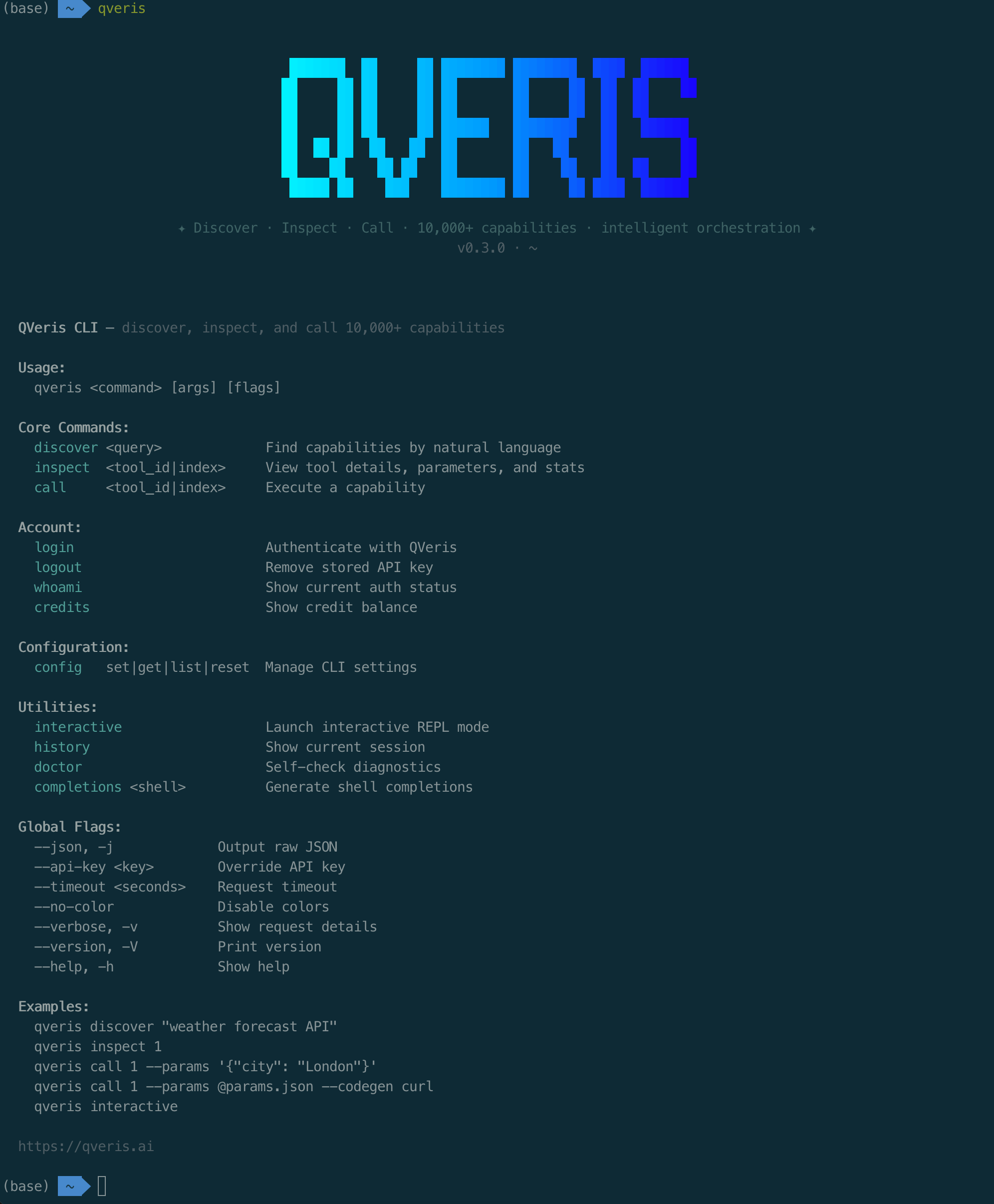
完整命令速查
| 命令 | 说明 | 费用 |
|---|---|---|
qveris discover <query> | 自然语言搜索 API 能力 | 免费 |
qveris inspect <id> | 查看工具详情、参数、示例 | 免费 |
qveris call <id> | 调用工具并获取结果 | 1-100 credits |
qveris interactive | 启动交互式 REPL 探索环境 | — |
qveris login / logout | 交互式登录 / 清除凭证 | — |
qveris whoami | 查看当前认证状态 | — |
qveris credits | 查看剩余额度 | — |
| `qveris config list | set | get |
qveris history | 查看 / 清除当前会话历史(30 分钟 TTL) | — |
qveris doctor | 一键检查 Node.js、API Key、网络连通性 | — |
qveris completions <shell> | 生成 Shell 自动补全脚本 | — |
所有命令支持 --json 输出 · --api-key 覆盖认证 · --timeout 超时设置
06.
六大核心能力
> 🔍 **自然语言搜索**用普通语言描述需求,CLI 从 10,000+ 工具中语义匹配最佳结果。无需记忆任何 API 名称。

> 🔧 **代码生成**`--codegen` 一键生成 curl / Python / JS 调用代码,直接粘贴到项目中使用。

> 🤖 **智能体兼容**`--json` 输出 + stdin 管道 + 结构化退出码,为自动化而生。


> ⚡ **零配置即用**curl 一键安装,`qveris login` 交互式认证。30 秒从零到可用。

> 💬 **交互式 REPL**`qveris interactive` 启动探索环境,像对话一样发现和试用 API。

> 🎁 **内置诊断**`qveris doctor` 一键检查 Node.js 版本、API Key、网络连通性,快速排障。
07.
QVeris CLI vs MCP Server:如何选择?
| 维度 | QVeris CLI | MCP Server |
|---|---|---|
| 适用场景 | 终端操作、脚本、Agent shell 调用 | IDE 内 Agent(Cursor、Claude Code、VS Code) |
| 安装方式 | curl 一行安装 | 在 IDE 设置中配置 |
| Token 消耗 | 极低(单命令 50-100 token) | 较高(schema 注入上下文) |
| 输出格式 | 人类友好 + --json 结构化 | MCP 协议标准格式 |
| 交互模式 | REPL、管道、脚本 | IDE 内嵌对话 |
| 最佳搭配 | Claude Code、OpenCode、自定义 Agent | Cursor、VS Code Copilot |
💡 建议:两者并非互斥。CLI 适合终端和自动化场景,MCP 适合 IDE 内嵌场景。你可以同时使用!
08.
使用场景
场景一:开发者日常调试
写代码时需要快速验证一个 API 返回什么数据?不用离开终端:
qveris discover "geocoding API"

qveris call 1 --params '{"address": "北京市朝阳区"}'
拿到结果后,用 codegen python 直接生成 Python 调用代码,复制到项目里。
场景二:智能体自动化工作流
让你的 AI Agent 通过 shell 调用完成复杂任务:
## Agent 自动发现、验证、调用

qveris discover "weather forecast" --json --limit 1 | \

  jq -r ".results[0].tool_id" | \

  xargs -I {} qveris call {} --params '{"location":"Shanghai"}' --json
场景三:数据采集与分析
结合 shell 管道,批量获取数据:
## 批量查询多只股票

for symbol in AAPL GOOGL MSFT; do

  qveris call finance.stock_quote --params "{\"symbol\":\"$symbol\"}" --json

done | jq -s "."
09.
现在就试试
curl -fsSL https://qveris.ai/cli/install | bash

qveris login

qveris discover "你想要的任何 API"
🚀 三条命令,解锁 10,000+ API 能力。
- 注册即送 1,000 credits,搜索免费
- 无需绑卡,即装即用
- 完全开源:github.com/QVerisAI/QVerisAI
10.
用 Skill 跑起来
把上面的文章变成 Agent 工作流。复制安装命令,或直接从下面的 prompt 开始。
QVeris 官方技能
让支持的 Agent 发现、检查并调用真实世界能力的核心技能。
openclaw skills install qveris-official发现天气相关能力,检查最合适的候选项,并获取东京当前天气。说明你用了哪个能力以及为什么选择它。